NutriOct · Guides
Getting Started with NutriOct — Your First Day, in 5 Taps
Tracking what you eat should take seconds, not a spreadsheet. NutriOct is an AI-powered nutrition app that lets you log meals by pointing your camera or just talking — and then shows you, at a glance, how each choice moves you toward your goals.
Here’s everything you can do on your very first day.
1. Log a meal in seconds
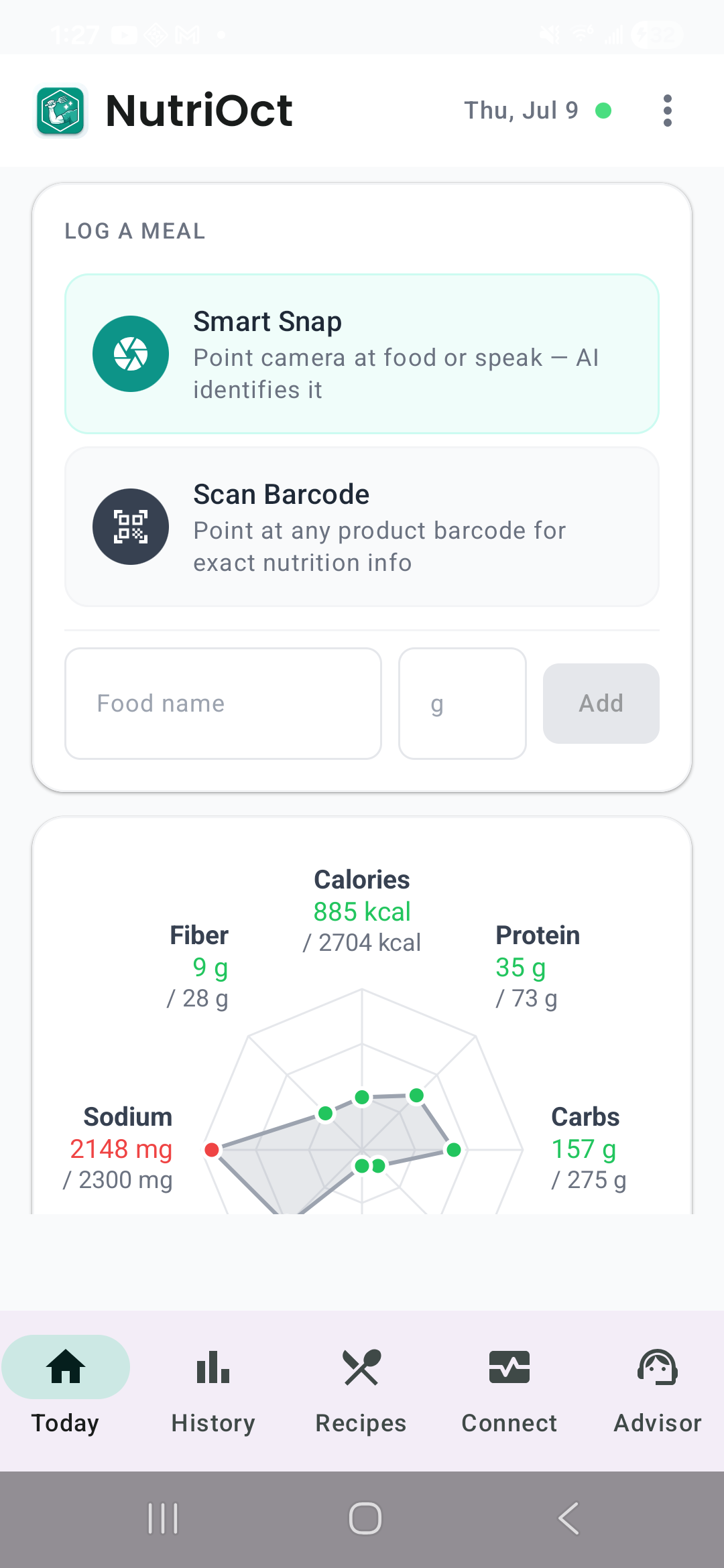
Open the Today tab and tap Smart Snap. Point your camera at your plate — or simply speak — and the AI identifies the food and fills in the nutrition for you. Grabbing something packaged? Tap Scan Barcode for exact numbers straight from the product.
No hunting through giant food databases. No manual entry unless you want it.
2. See the impact before you commit
This is the part people fall in love with. Before you actually log a food, NutriOct shows you a live preview on your nutrition radar — the projected shape of your day if you add this item.
Thinking about a second helping? Slide the serving size and watch the projection update in real time. Nothing is saved until you say so, so you can explore freely and make the call that fits your goals.
3. Build recipes by pointing your camera
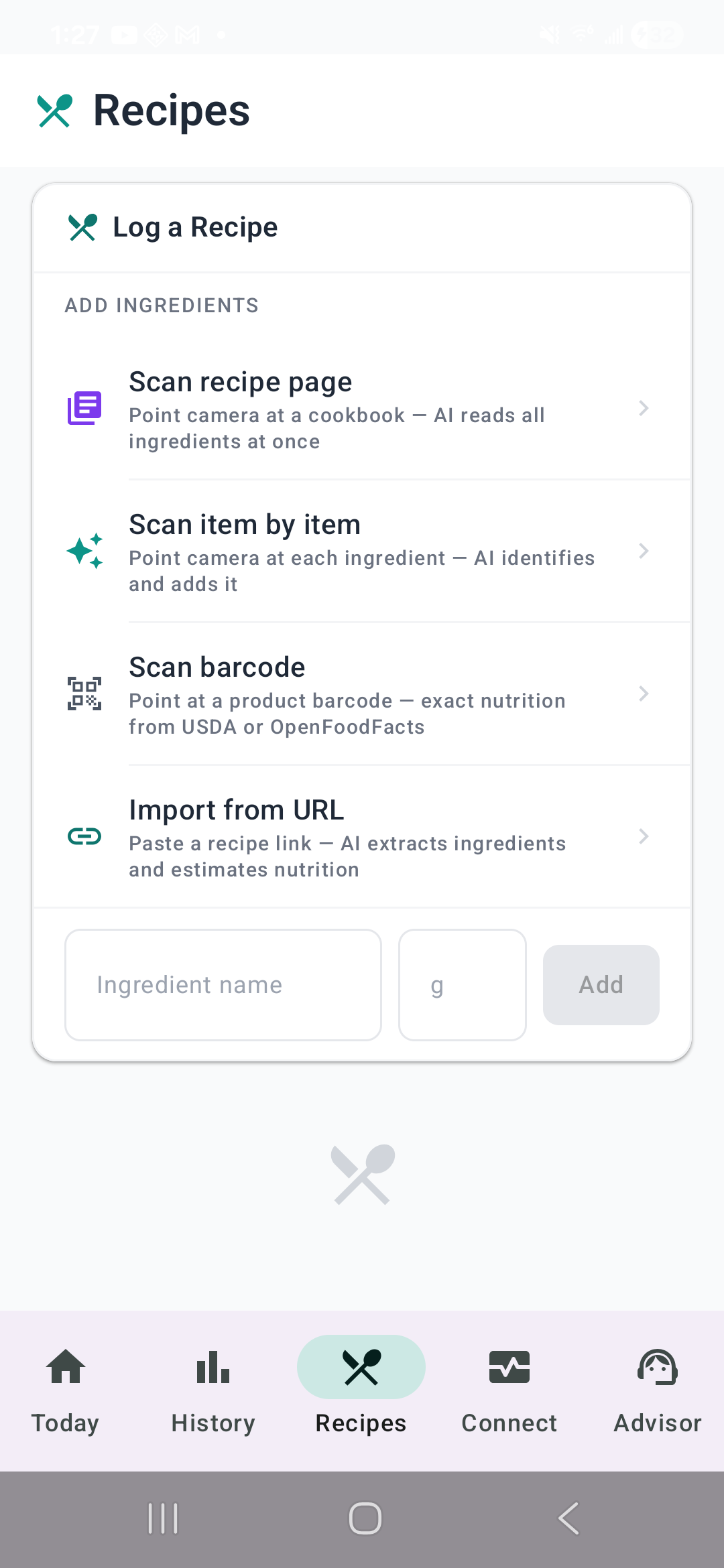
Cooking from a cookbook or a screenshot? Head to the Recipes tab and choose how you want to add ingredients:
- Scan recipe page — point the camera at a full recipe and the AI reads every ingredient at once
- Scan item by item — identify ingredients one at a time, confirming each before it’s added
- Scan barcode — pull exact nutrition from USDA or OpenFoodFacts
- Import from URL — paste a recipe link and let the AI extract and estimate it
NutriOct adds it all up so you get accurate per-serving nutrition without typing a thing.
4. Talk to your AI coach, Kai
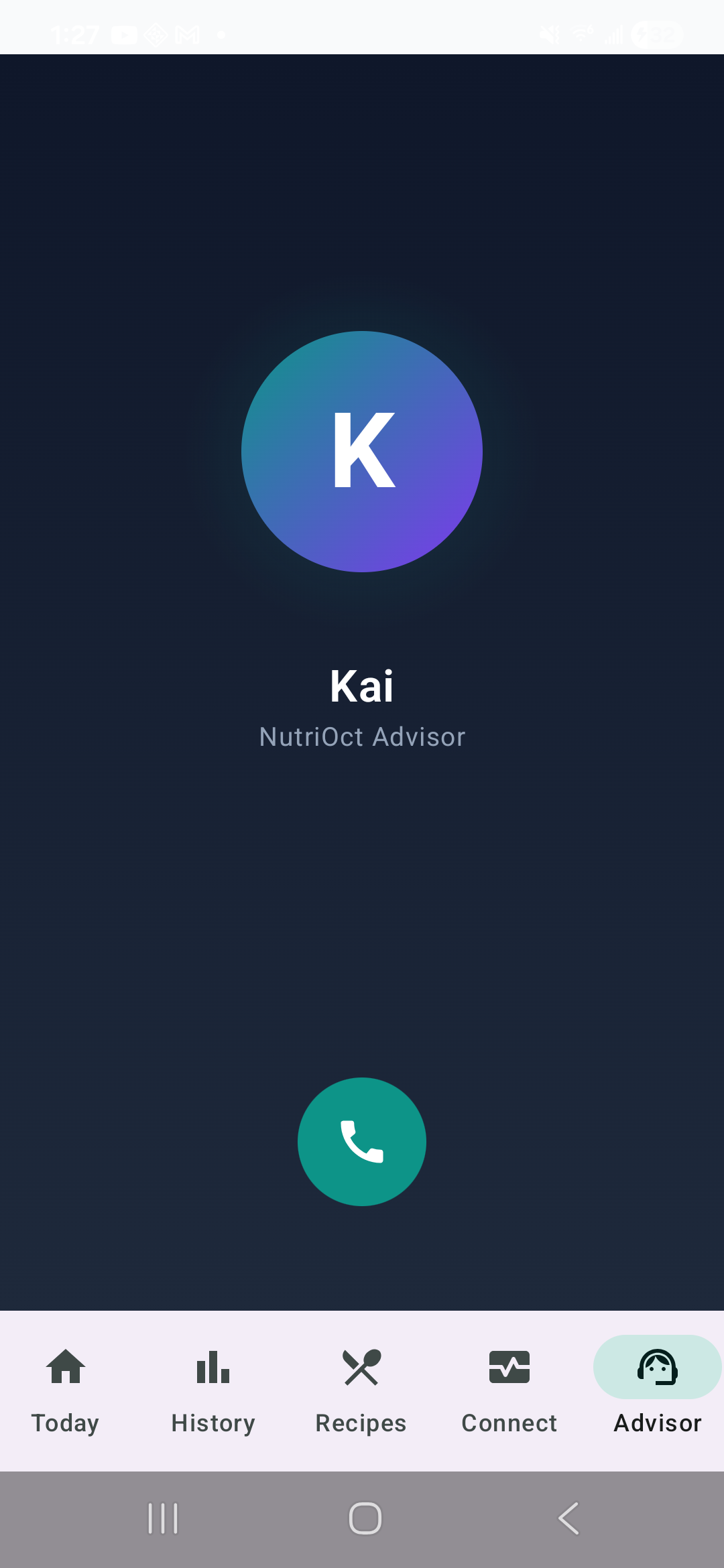
Sometimes you just want to ask someone. Open the Advisor tab and tap the call button to start a live voice conversation with Kai, your personal NutriOct coach.
Talk naturally — ask what to eat before a workout, how to hit your protein target, or what to do about a heavy day. Kai answers out loud, grounded in your logged meals and goals, and hangs up when you say goodbye. It feels less like an app and more like a quick call with a nutritionist.
5. Watch your progress adapt to you
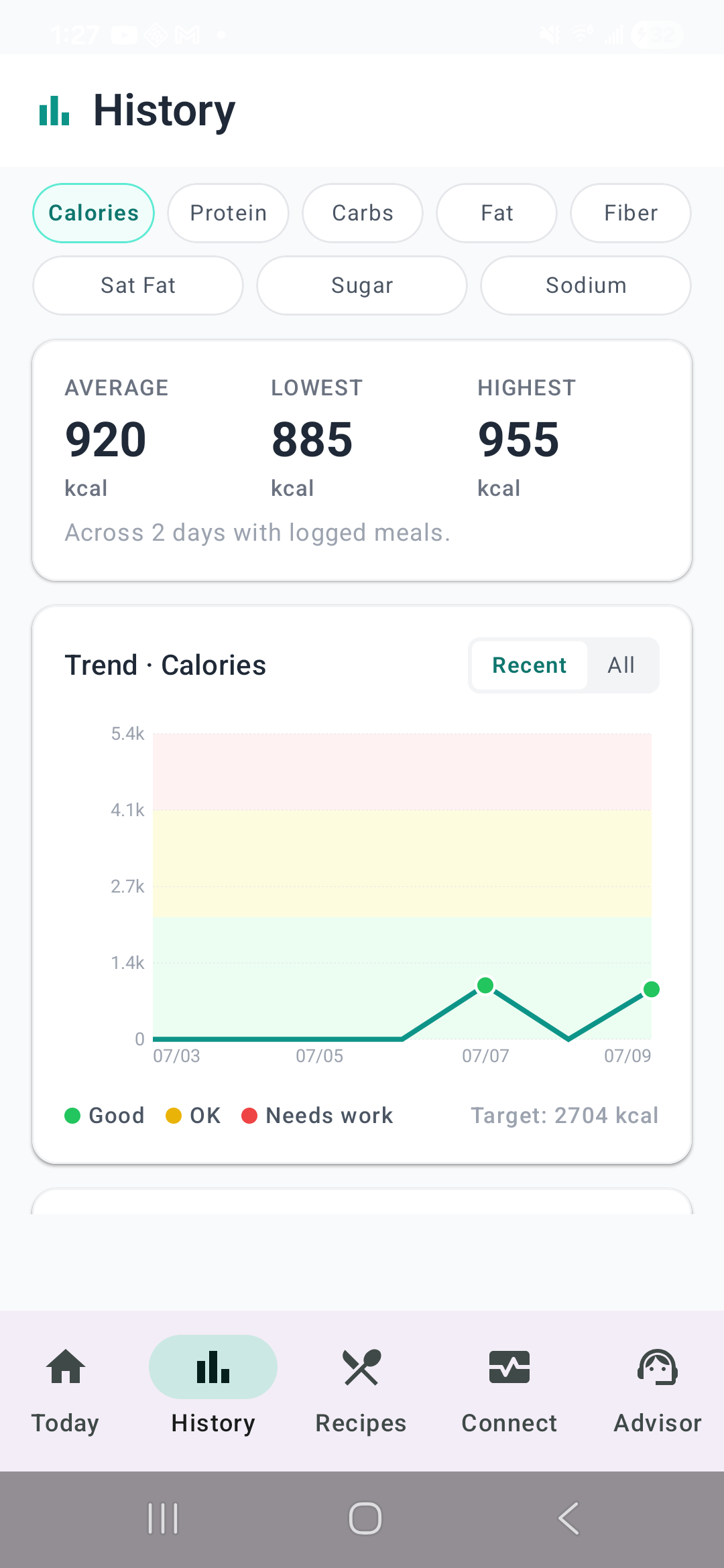
Over time, the History tab turns your logs into trends — averages, highs and lows, and a color-coded chart for every nutrient so you can see what’s working.
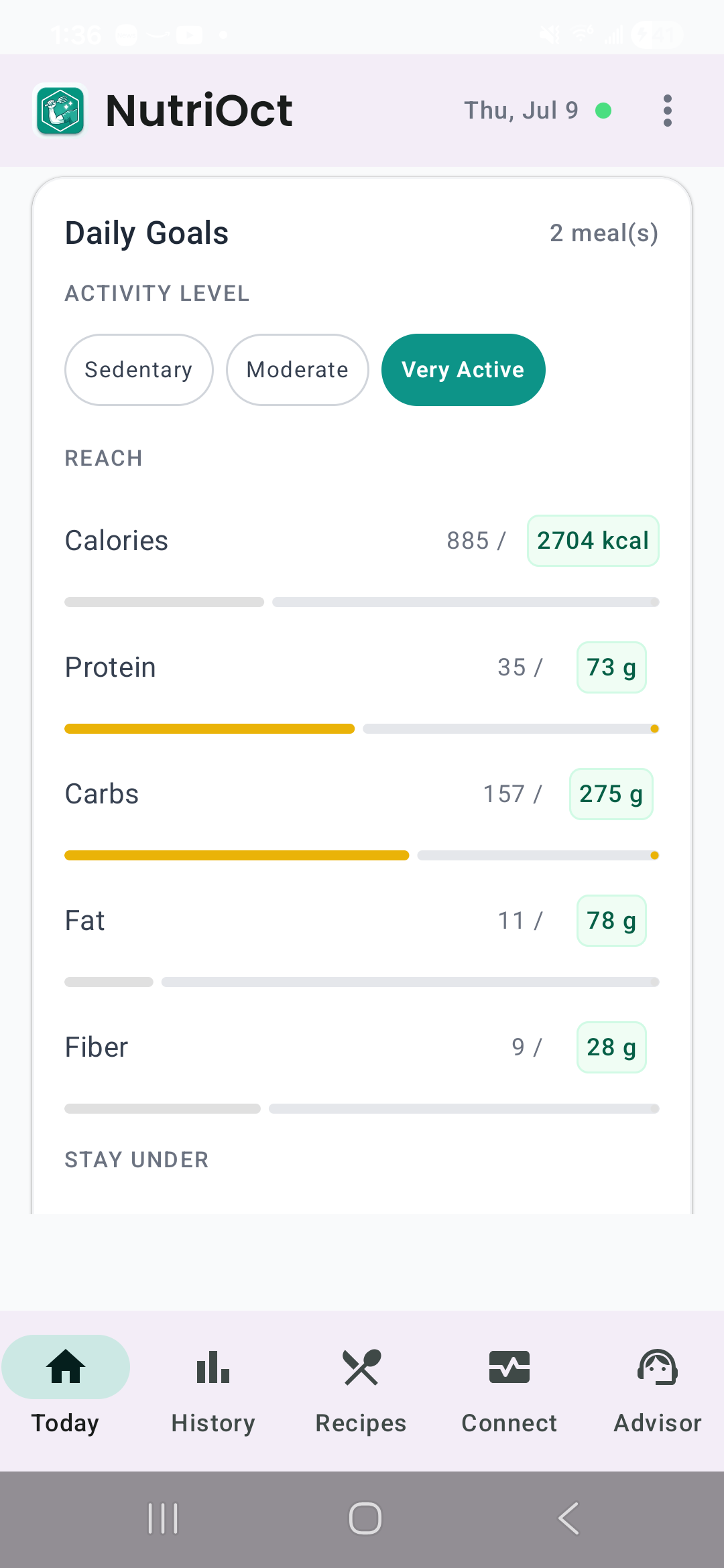
And because everybody’s body is different, NutriOct’s Adaptive Metabolism estimates your daily calorie burn from your stats and your most recent weight, then keeps your goals in sync as your weight changes. One tap to adopt the estimate, and every chart updates to match the real you.
Ready to try it?
That’s the whole loop: snap, preview, log, and let your coach and your history do the rest. Give it a day and you’ll wonder how you tracked food any other way.
Download NutriOct and log your first meal today — it takes about five seconds. We’d love to hear what you think.
